Overview
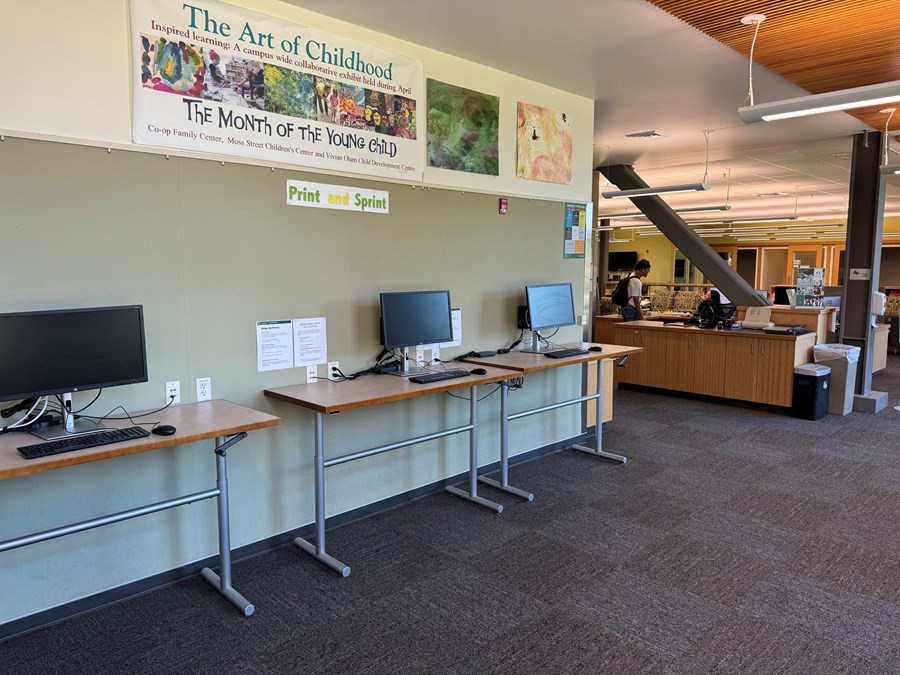
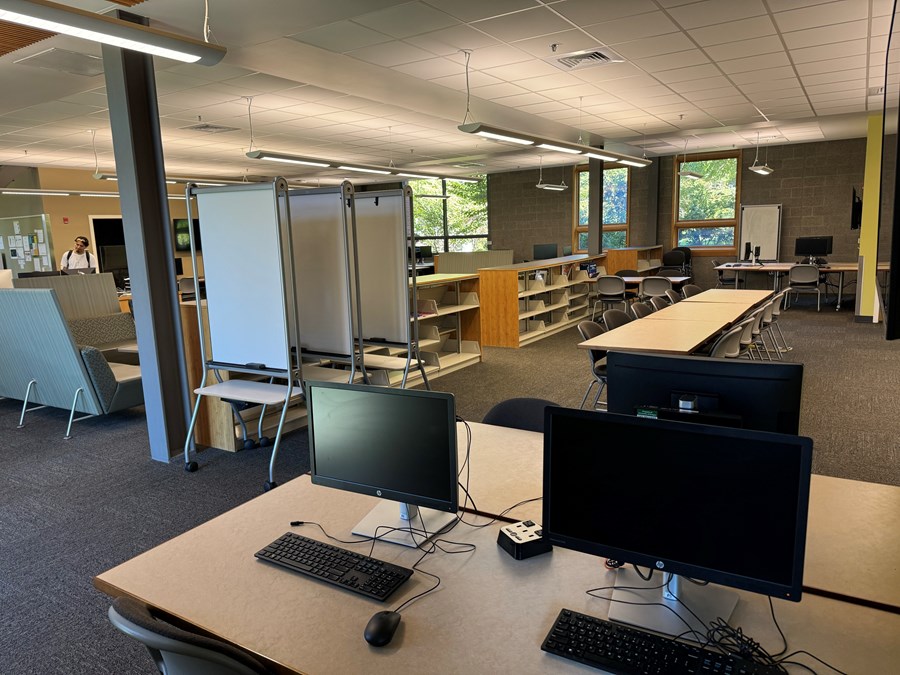
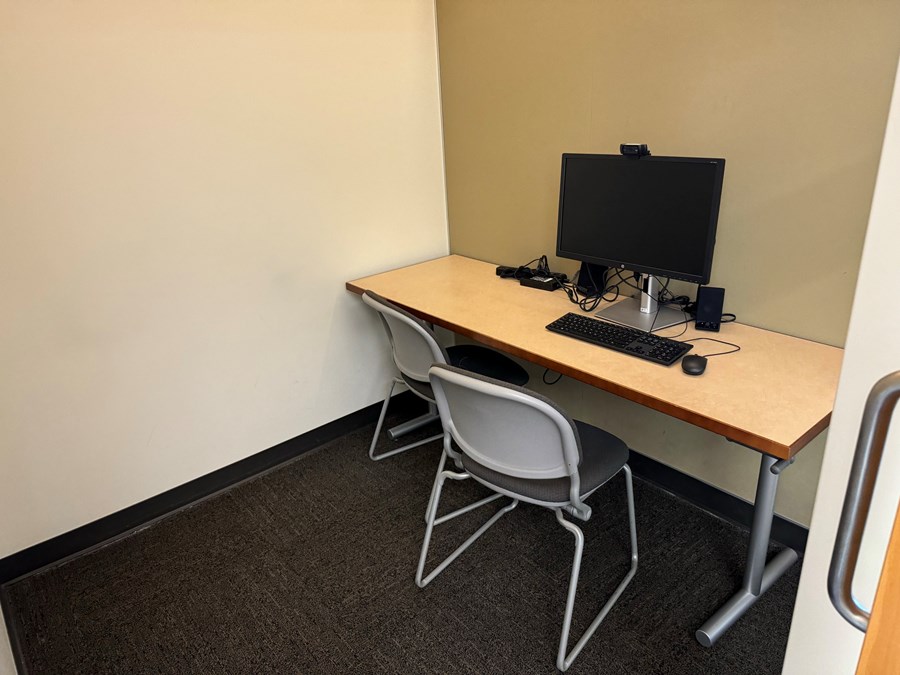
The HEDCO Learning Commons is available to all students as a quiet place to work, with closed study rooms with computers that can be reserved.
Lab Hours
Hours are listed on the User Support Services - Academic South page under HEDCO Learning Commons.
Equipment
Equipment by Operating System and Quantity Available
| Equipment Type |
Amount |
Notes |
| Windows |
17 |
-- |
| macOS |
3 |
-- |
Other peripherals
- Rolling Whiteboards
- Scanners
Applications
The following software is available in this lab:
Below are the software applications installed on the Windows computers in the lab.
- 7-Zip
- Adobe Acrobat DC
- Adobe After Effects
- Adobe Animate
- Adobe Audition
- Adobe Bridge
- Adobe Character Animator
- Adobe Dimension
- Adobe Dreamweaver
- Adobe Illustrator
- Adobe InCopy
- Adobe InDesign
- Adobe Lightroom Classic
- Adobe Media Encoder
- Adobe Photoshop
- Adobe Premiere Pro
- Adobe Substance 3D
- Audacity
- Brackets
- ESRI ArcGIS Pro
- Google Chrome
- IBM SPSS Amos
- IBM SPSS Statistics
- Microsoft Office 365
- Mozilla Firefox
- Notepad++
- OpenShot Video Editor
- R for Windows
- RStudio
- VLC Media Player
- WinSCP
Below are the software applications installed on the macOS computers in the lab.
- Adobe Acrobat
- Adobe Aftereffects
- Adobe Animate
- Adobe Audition
- Adobe Bridge
- Adobe Character Animator
- Adobe Dimension
- Adobe Dreamweaver
- Adobe Illustrator
- Adobe Incopy
- Adobe Indesign
- Adobe Lightroom
- Adobe Media Encoder
- Adobe Photoshop
- Adobe Premiere Pro
- Adobe Xd
- Audacity
- Cyberduck
- Fetch
- Fiji
- Google Chrome
- Ibm Spss
- Microsoft Edge
- Microsoft Excel
- Microsoft Office
- Microsoft Onenote
- Microsoft Powerpoint
- Microsoft Word
- Mozilla Firefox
- Ocenaudio
- Openshot
- Python Idle
- R
- R Studio
- Sublimetext
- Visual Studio Code
- Vlc
- Zotero
Services and Support
Services provided
Links to services listed below:
Additional Support
For further assistance or to report any issues within the lab, please consult the Computer Lab Support service page or by phone to USS-Academic South, 541-346-7088.